Appearance
Community Members and Profiles
The Users page shows all members of the Apache Answer community, their reputation scores, and their contributions.
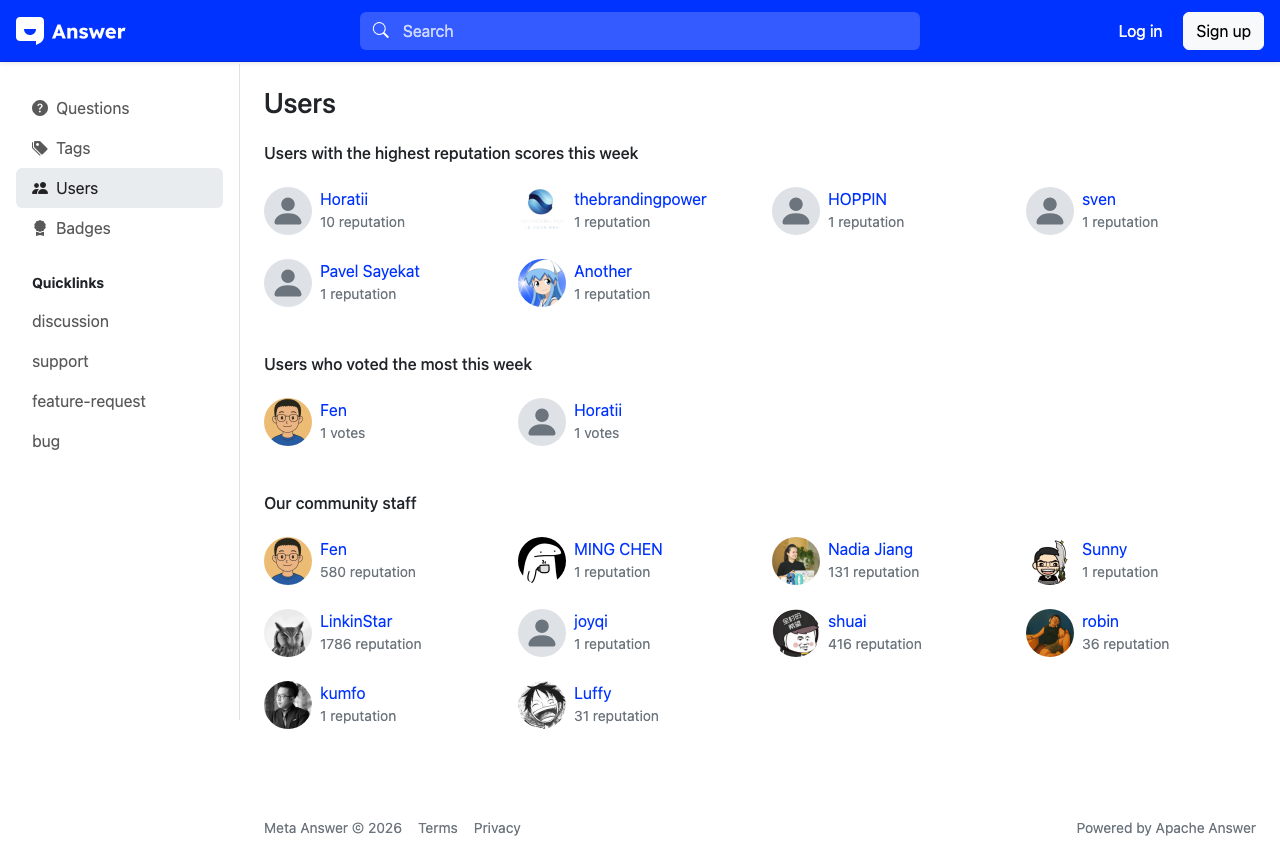
Browsing Community Members
Select Users [1] in the left sidebar to view the community member directory. Each user card displays:
- The member's avatar and display name [2-4]
- Their reputation score
- The date they joined the community
Members are displayed in a grid layout, ordered by reputation score by default, so the most active contributors appear first.
Viewing a User Profile
Select any username to visit their profile page. A user profile contains:
- Overview — A summary of the member's activity, including their reputation, number of questions asked, and answers provided
- Answers — A list of all answers the member has posted
- Questions — A list of all questions the member has asked
- The member's website link (if provided)
- Their join date
Reputation System
Reputation is a numeric score that reflects a member's contributions to the community. You earn reputation by:
- Receiving upvotes on your questions and answers
- Having your answer accepted as the best answer
- Earning badges for community milestones
Higher reputation unlocks additional privileges, such as the ability to edit others' posts, access moderation tools, and vote to close questions. The specific reputation thresholds for each privilege are configured by the community administrator.